
Time saved for clinic staff
Fewer calls, less paperwork, and no more status chases.
“Realistically on a big program you're saving 2–3 hours per week.”
I led research and design for an in-chart refill workflow that replaced the paper, fax, and phone-tag process nurses and dietitians had relied on for years. Staff now complete refills 70% faster and can see shipment and prescription status without calling the pharmacy. Deployed across 2,800+ clinics serving 43,000+ patients.
FreseniusRx is Fresenius Medical Care's in-house pharmacy, dispensing medications to dialysis patients across the company's clinic network. This project digitized the in-clinic refill workflow inside CareTeamHub, the Salesforce-based application nurses and dietitians use at the point of care.
Challenge
Before digitization, in-clinic refills depended on paper forms, fax handoffs, clipboards, and phone calls with pharmacy. Nurses spent time printing, tracking, signing, and refaxing forms — while refill status disappeared from view once paperwork left the clinic.
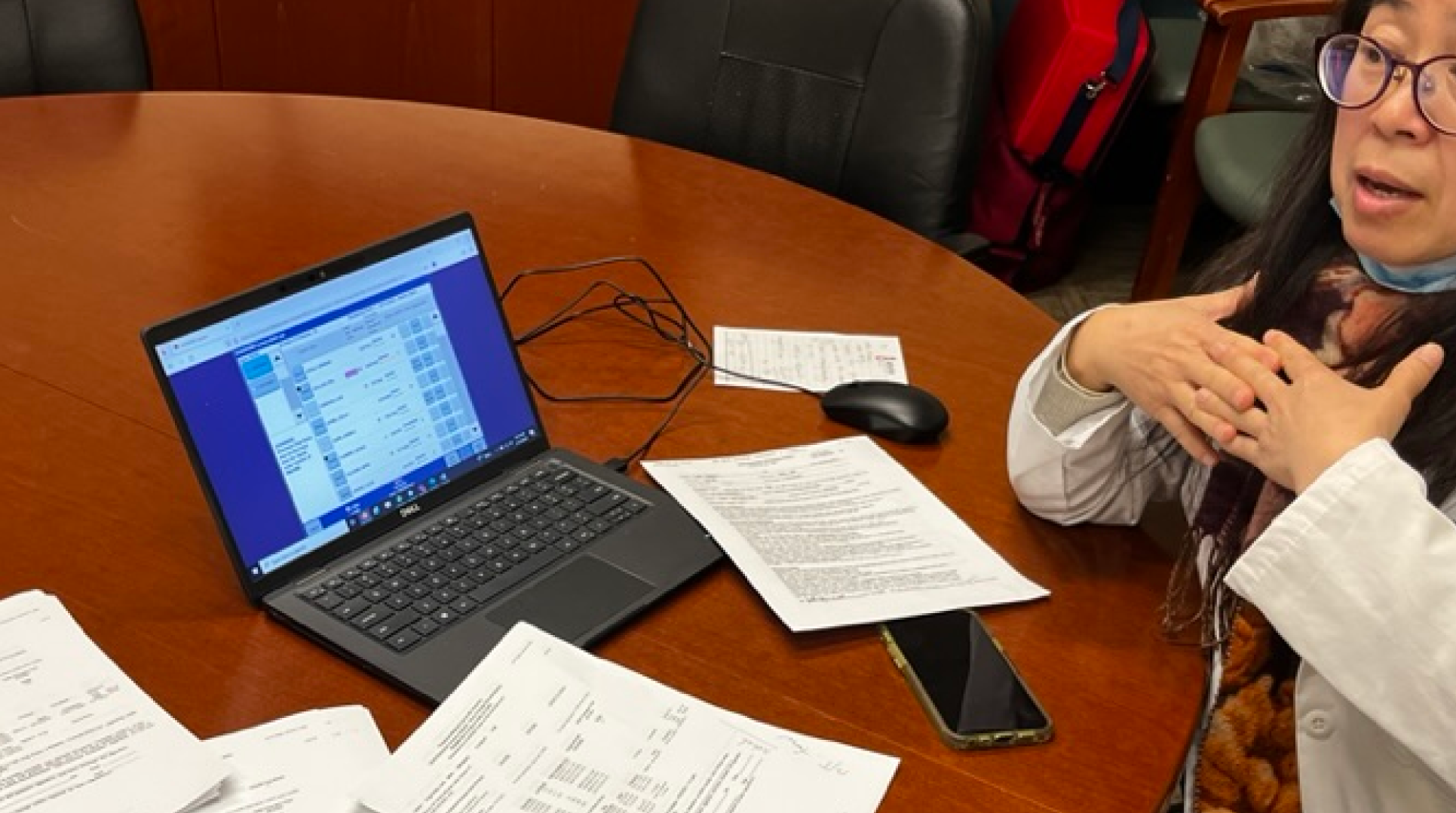
From the clinic
“The biggest issue is having to go into every single patient to check for refills. That's quite time consuming.”
“On the phone at least 15 minutes or more (for each refill).”
“A million things can happen from the time you get up to walk to the copier.”
Manual processes created visibility gaps, required repeated follow-ups, and pulled nurses away from direct patient care.
Strategy
Reducing cognitive load by structuring information around how clinicians actually work.
Before any wireframes, I mapped the system's underlying objects and the relationships between them, then validated those mental models with clinic staff. Getting the structure right at this stage meant the visual design could reflect how nurses think about a refill, not how the database stores one.
Prototyping and iterating
Testing narrowed the interface to what staff needed most: enough context to act safely, without making each refill another chart review.
I started with low-fi screens guided by one rule: show only what's needed for the next critical action. Each iteration cut more until we hit the minimum viable information to refill safely. Piloting then surfaced the edge cases studio testing couldn't, including expired scripts, zero-refill states, and clinic-vs-home shipping that needed clearer in-flow messaging.
The Solution
The final workflow let staff move from refill need to submission in one place: scan the essentials, verify prescription details, and submit with the required patient, shipping, and confirmation context close at hand.
I partnered closely with front-end engineers through build, reviewing each implementation against the prototype to keep interaction details, edge case handling, and information density intact from design through release.
Impact in practice
Fewer calls, less paperwork, and no more status chases.
“Realistically on a big program you're saving 2–3 hours per week.”
Refill and shipment status is visible in real time.
“With a couple clicks I could see it shipped two days ago and immediately call the patient back.”
Clinicians can see refill history and catch gaps before patients run out.
“I know to ask if they need their Velforo because I can see they haven't refilled in a few months.”
Deployed enterprise-wide and refined with real-world feedback from nurses, dietitians, and clinic staff.
70%
faster time-to-refill with more medication visibility across 2,800+ clinics and 43,000+ patients.